
Z88dk compiler suite
Introduction
The P2000T uses a Z80 processor and one can program for the P2000T using Z80 assembly. Although this yields the fastest code (assuming the programmer is proficient), programming in assembly can be sluggish and inefficient. For good reasons, people started using higher level programming languages. For the P2000T, this means BASIC for most people. Programming in BASIC replaces lots of the complexity of assembly by providing a myriad of handy routines, yet in its execution is relatively slow.
The C programming language offers in that sense the best of both world. It allows for relatively quick code development but without a huge sacrifice in terms of speed as C code is in the end compiled to assembly. Furthermore, in the compilation process, the compiler attempts to optimize the code.
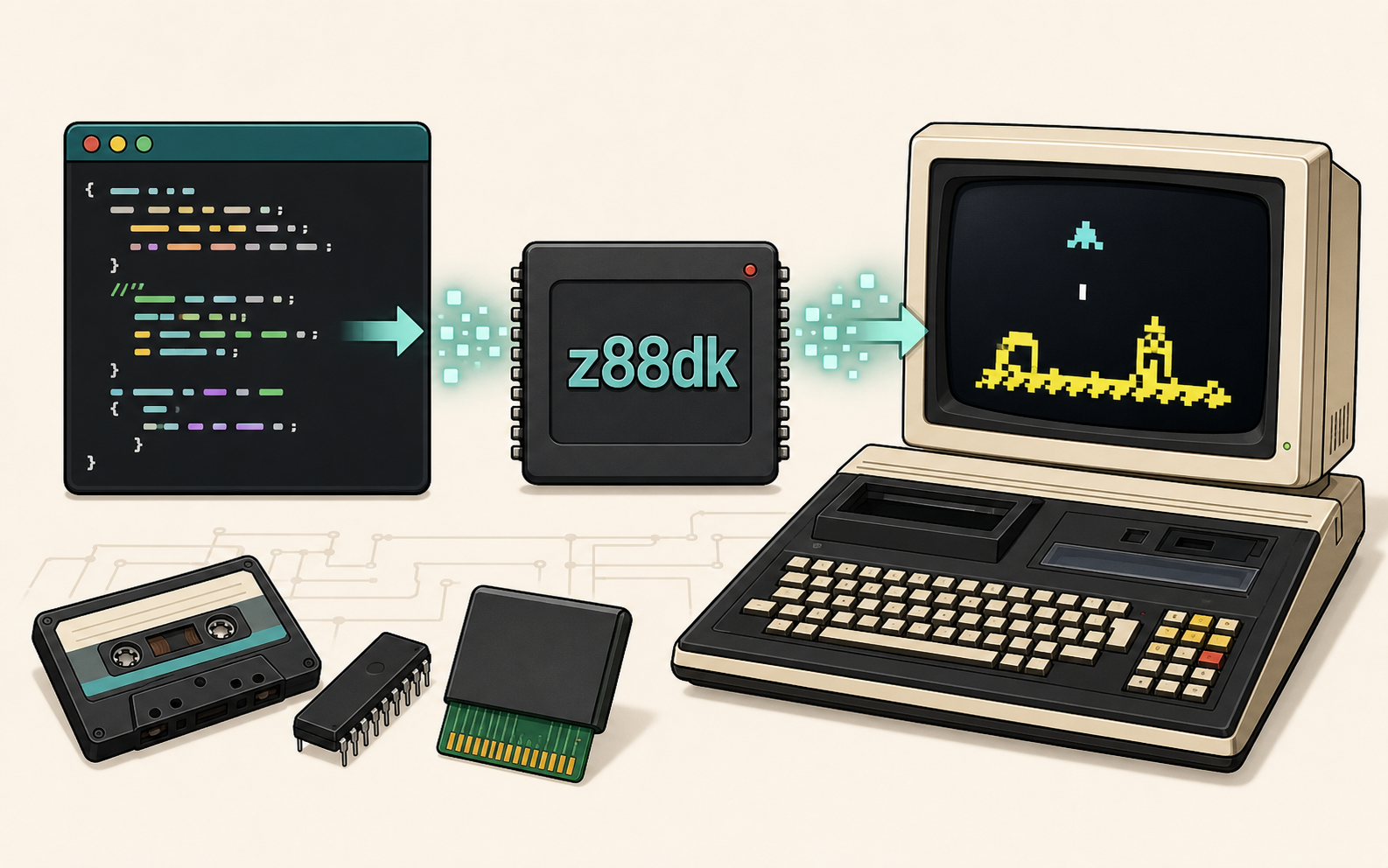
There are no native C compilers for the P2000T, but one can program for the P2000T on a modern computing and use a so-called cross-compilation procedure wherein C-code is compiled on a x86 (or similar) processor for the Z80. The Z88dk compiler suite offers all the tools needed for this process.
The Z88dk compiler suite caters to a lot of different systems using a Z80. Since all these systems use different memory lay-outs, it remains up to the programmer to supply the right parameters to the compiler to ensure a functioning program. On this page, we provide a short explanation on how to supply these parameters to the compiler and showcase the compilation of a simple Hello World cartridge program.
CRT-Preample
All P2000T cartridges require a 16 byte header.
We can ensure this 16 byte header is present by creating a file called
crt_preamble.asm. The contents of this file is placed before any other code.
; signature, byte count, checksum
DB 0x5E,0x00,0x00,0x00,0x00

; name of the cartridge (11 bytes)
DB 0x00,0x00,0x00,0x00,0x00,0x00,0x00,0x00,0x00,0x00,0x00

jp __StartCompiler instructions
To compile for the P2000T, we need to provide a number of parameters and pragma defines to the compiler which are documented here. A typical parameter listing will look as shown below.
zcc \
+embedded -clib=sdcc_iy \
main.c \
-startup=1 \
-pragma-define:CRT_ORG_CODE=0x1000 \
-pragma-define:CRT_ORG_DATA=0x6200 \
-pragma-define:REGISTER_SP=0x9FFF \
-pragma-define:CRT_ON_EXIT=0x9FFF \
-pragma-define:REGISTER_SP= \
-pragma-define:CRT_ENABLE_EIDI= \
-pragma-define:CRT_INCLUDE_PREAMBLE=1 \
-pragma-define:CLIB_FOPEN_MAX=0 \
--max-allocs-per-node2000 \
-SO3 -bn main.bin \
-create-app -m
Parameters
The following pragma-define instructions are used. Further information on these
settings can be found here.
| pragma define | description |
|---|---|
CRT_ORG_CODE |
Start position of the code in memory, this is 0x1000 for P2000T cartridges. |
CRT_ORG_DATA |
Start position of variables and data in memory, we use 0x6200 to avoid . |
REGISTER_SP |
Where to place the top of the stack (-1 does not touch the stack). |
CRT_STACK_SIZE |
Sets the stack size. |
CRT_ON_EXIT |
Determines behavior on program exit. Default value is 0x10001, which is suitable for cartridges. |
CRT_ENABLE_EIDI |
Determines behavior on program exit. Default value is 0x13, which is suitable for cartridges. |
CRT_INCLUDE_PREAMBLE |
Use the crt_preamble.asm file, we need this for cartridges. |
CLIB_FOPEN_MAX |
Maximum number of open files. We set this to -1 as we do not use file pointers. |
Pragma-defines
The majority of the parameters listed below are explained in more details here.
| parameter | description |
|---|---|
+embedded |
Use the so-called embedded target, which is a generic target offering a great deal of flexibility. |
-clib=sdcc_iy |
Which c-library to use. The sdcc library is preferred. The _iy specification states that the library uses one index register iy, leaves ix alone for sdcc to use as its frame pointer, and forbids sdcc from using iy. |
-startup |
Which model to use for the compilation. We set this to -startup=1 for a cartridge. |
--max-allocs-per-nodeXXXX |
How many optimization cycles to be used. Set this to a high number of thorough optimization. We use at least 2000. |
-SO3 |
Use aggressive peephole rules. |
-bn main.bin |
Name of the binary file to create. |
-create-app |
Generates a complete rom image from the output binaries. |
-m |
Generate a map file listing all defined symbols with their values. This is useful to analyze the memory positions of all variables and routines. |
Hello world example
A simple Hello World program can be created using three files:
main.ccrt_preamble.asmMakefile
The first two files contain the source code, the latter file contains the compilation instructions.
#include <stdio.h>

/**
 * Create reference to video memory
 */
__at (0x5000) char VIDMEM[];
char* vidmem = VIDMEM;

int main(void) {
    sprintf(&vidmem[0x0000], "Hello world!");

    while(0) {} // set infinite loop

    return 0;
}; signature, byte count, checksum
DB 0x5E,0x00,0x00,0x00,0x00
; name of the cartridge (11 bytes)
DB "HELLOWORLD!"
jp __Startmain.bin main.map main.rom: main.c
zcc \
+embedded -clib=sdcc_iy \
main.c \
-startup=2 \
-pragma-define:CRT_ORG_CODE=0x1000 \
-pragma-define:CRT_ORG_DATA=0x6500 \
-pragma-define:REGISTER_SP=0x9FFF \
-pragma-define:CRT_STACK_SIZE=256 \
-pragma-define:CRT_INCLUDE_PREAMBLE=1 \
-pragma-define:CLIB_FOPEN_MAX=0 \
--max-allocs-per-node2000 \
-SO3 -bn main.bin \
-create-app -mAll these three files reside in the same folder and the compilation can be executed by means of the Z88dk Docker image.
On Linux (or WSL), this is as simple as running the following one-liner.
docker run -v `pwd`:/src/ -it z88dk/z88dk makeUsing Bash for Window, one can use
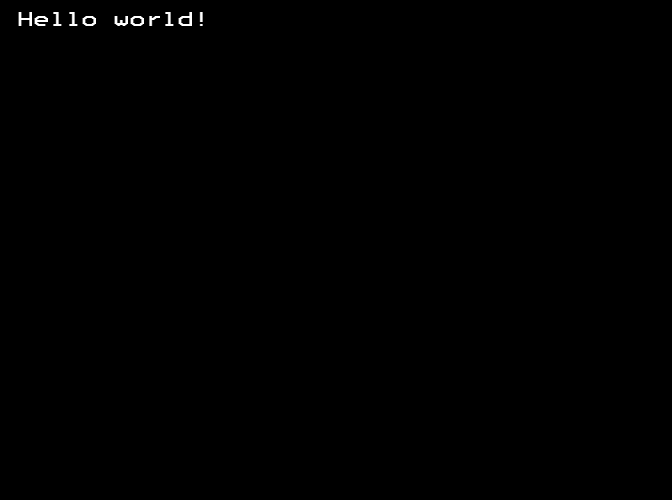
winpty docker run -v `pwd | sed 's/\//\/\//g'`://src/ -it z88dk/z88dk makeUpon compilation, a number of files will be created. The file that contains the
binary data for the cartridge is called main.rom. One can directly open this
file in a P2000T emulator such as M2000. The result of this program is as seen
in Figure 1.
Modifying header
Although we have managed to create a working cartridge, we use a cartridge header which does not perform any checksum test. This can be changed by calculating the checksum and modifying the header.
This is easily achieved using the following Python script:
import numpy as np

def main():
    with open('main.rom', mode='rb') as f:
        data = bytearray(f.read())
        f.close()

    offset = 5
    nrbytes = np.uint16(len(data) - offset)
    checksum = np.sum(data[offset:], dtype=np.uint16)

    print('Length:   0x%04X' % nrbytes)
    print('Checksum: 0x%04X' % checksum)

    # remember that Z80 is little endian (LSB first)
    data[0x01] = nrbytes & 0xFF
    data[0x02] = (nrbytes >> 8) & 0xFF
    data[0x03] = (~(checksum & 0xFF) + 1) & 0xFF
    data[0x04] = ~((checksum >> 8) & 0xFF) & 0xFF

    # update main.rom
    with open('main.rom', mode='wb') as f:
        f.write(data)
        f.close()

if __name__ == '__main__':
    main()