A file transfer program for the P2000C / CoPower board
In the previous two blog posts, I discussed how we can use the serial port on the P2000C to exchange data between the venerable P2000C and a modern computer. So far, we mainly exchanged short message strings, but a more useful application is transferring program files from a modern computer to the P2000C so they can be run on the machine. This also makes it possible to cross-compile on a modern computer and run the result on the P2000C.
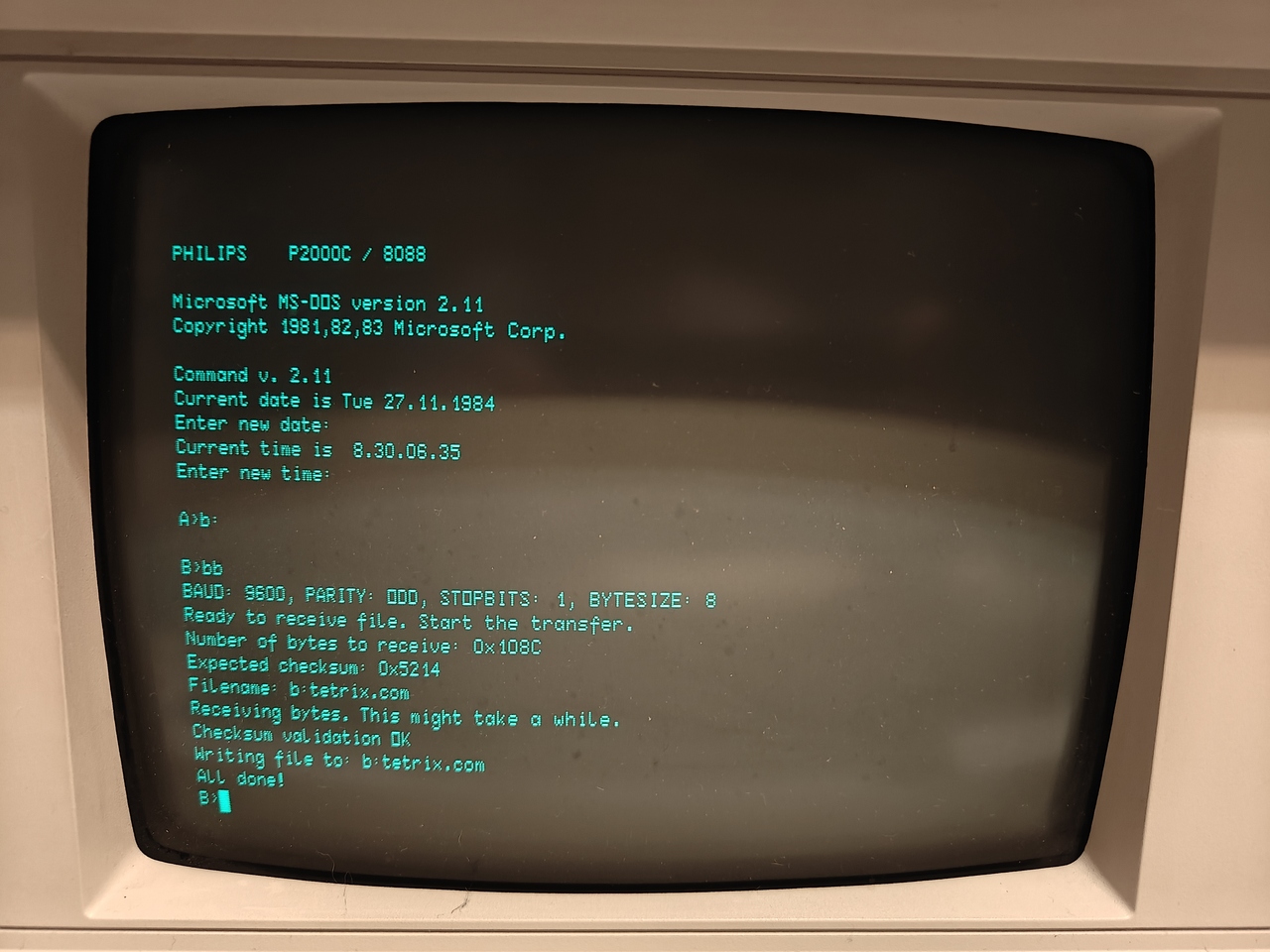
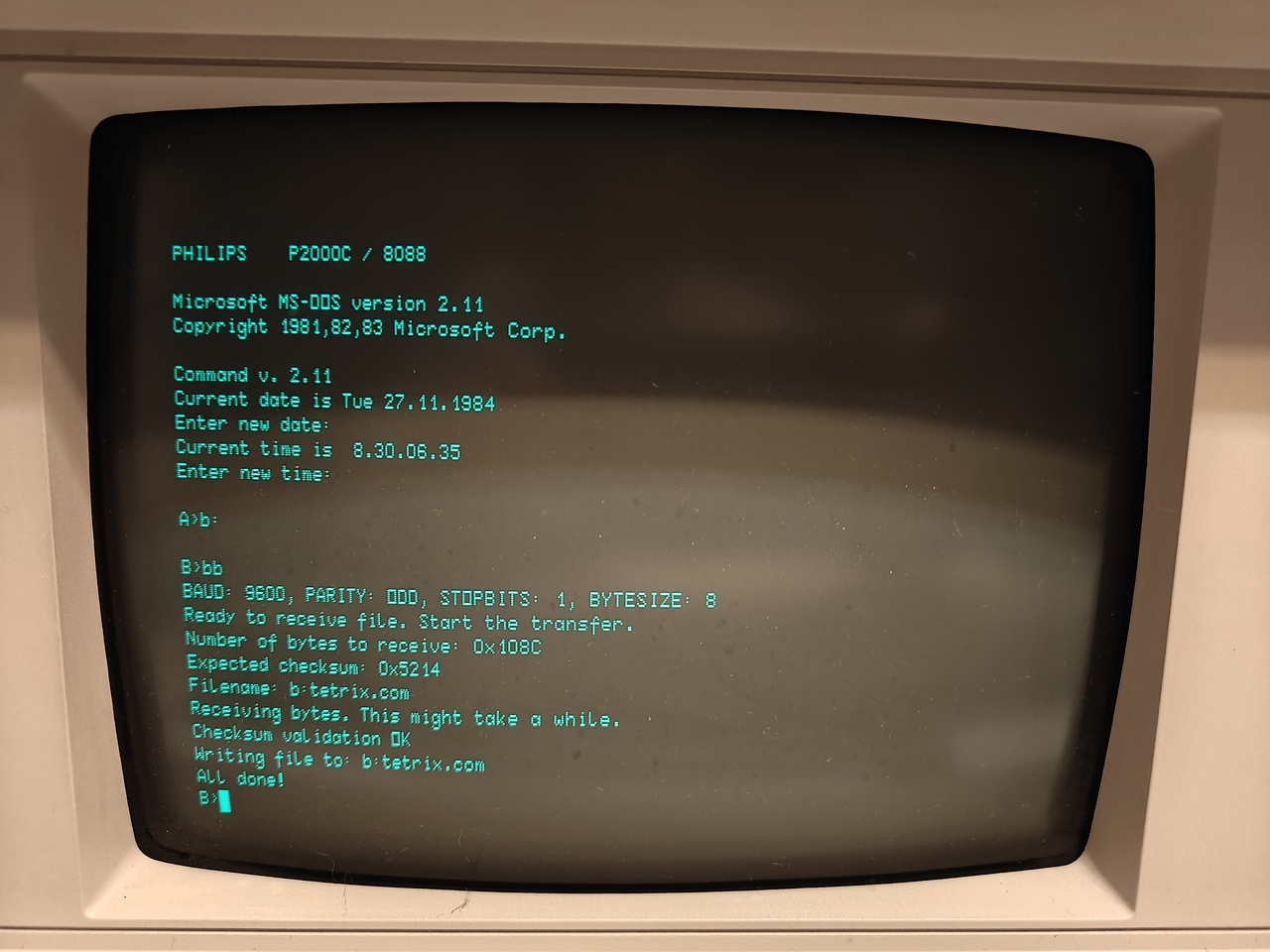
For this purpose, I created a program called “Byte Bridge”. The source files and installation instructions can be found in this GitHub repository. Byte Bridge is a combination of two programs: one running on the P2000C, and another, in the form of a Python script, running on the modern computer. I opted for Python because it hopefully provides the best compatibility across modern computer architectures. An example of Byte Bridge in action is shown below.
Interestingly, getting Byte Bridge onto the P2000C creates a classic chicken-and-egg problem. How do you transfer BB.COM to a P2000C when transferring files requires a program such as BB.COM in the first place? The MS-DOS suite for the P2000C does not include such a tool. If it did, there would be no need for Byte Bridge. To solve this, we return to DEBUG.COM and use a very small bootstrap program. It does exactly what it needs to do, and nothing more, making it small enough to type in by hand.
This bootstrap program is shown in the listing below. It first reads two bytes over the serial port and stores them as a 16-bit unsigned integer in the CX register. These two bytes indicate how many bytes the program has to receive. Next, the program enters a loop that retrieves the number of bytes stored in CX and stores them starting at memory position $200. Since the bootstrap itself resides at $100-$118, this will not interfere.
0A4C:0100 B402          MOV     AH,02
0A4C:0102 CD14          INT     14
0A4C:0104 88C1          MOV     CL,AL
0A4C:0106 B402          MOV     AH,2
0A4C:0108 CD14          INT     14
0A4C:010A 88C5          MOV     CH,AL
0A4C:010C BF00002       MOV     DI,0200
0A4C:010F B402          MOV     AH,02
0A4C:0111 CD14          INT     14
0A4C:0113 8805          MOV     [DI],AL
0A4C:0115 47            INC     DI
0A4C:0116 E2F7          LOOP    10F
0A4C:0118 CD20          INT     20
On the modern computer, a Python file called bootstrap.py is used to send the file. Default settings are used throughout: a baud rate of 1200, no parity checking, one stop bit, and a transfer length of 8 bits.
Upon executing the program (see the detailed instructions in the GitHub repository if you want to try this yourself), the file is placed in memory. The next step is to store it from memory onto a medium such as a floppy disk. Conveniently, DEBUG.COM has this functionality built in. First, write the number of bytes to the CX register using the R CX instruction. Next, specify a filename using the n <FILENAME> command, for example n b:bb.com. Finally, write the data with w 200, which tells the program to write the number of bytes stored in CX, starting from memory location $200, to the file specified by the n command.
Upon completion, a file called BB.COM resides on the B drive. When executed, it puts the computer in a waiting state for up to 20 seconds, while the file transfer is initiated on the modern computer via the upload.py script. The BB.COM program is much richer than the simple bootstrap program. It not only reads the number of bytes, but also accepts a filename and a checksum. The checksum makes it possible to validate that all received bytes are correct. If they are, BB.COM automatically stores the file to floppy disk using the filename specified in upload.py. At this point the whole process becomes relatively easy and requires only minimal user action.
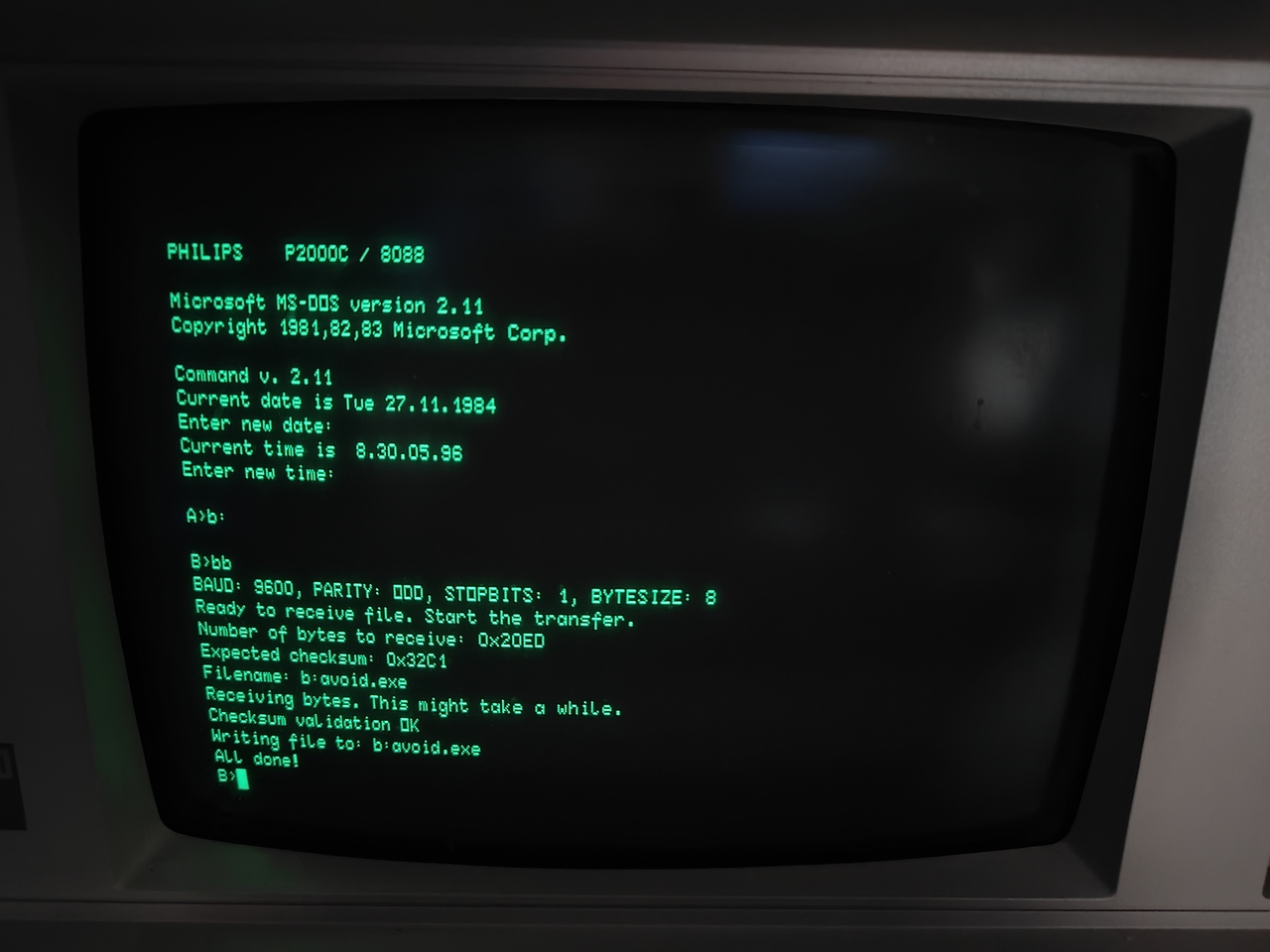
To test Byte Bridge, let us download a small and charming game called Avoid the Awful Thing that Vaguely Resembles a Banana!! by Curtis Smith, Thomas Karrmann, and Jack and Alice Evans. The game can be found via this link. We place the AVOID.EXE file in a convenient folder on the modern machine and run BB.COM on the P2000C. After a short transfer, the result on the P2000C is shown below.
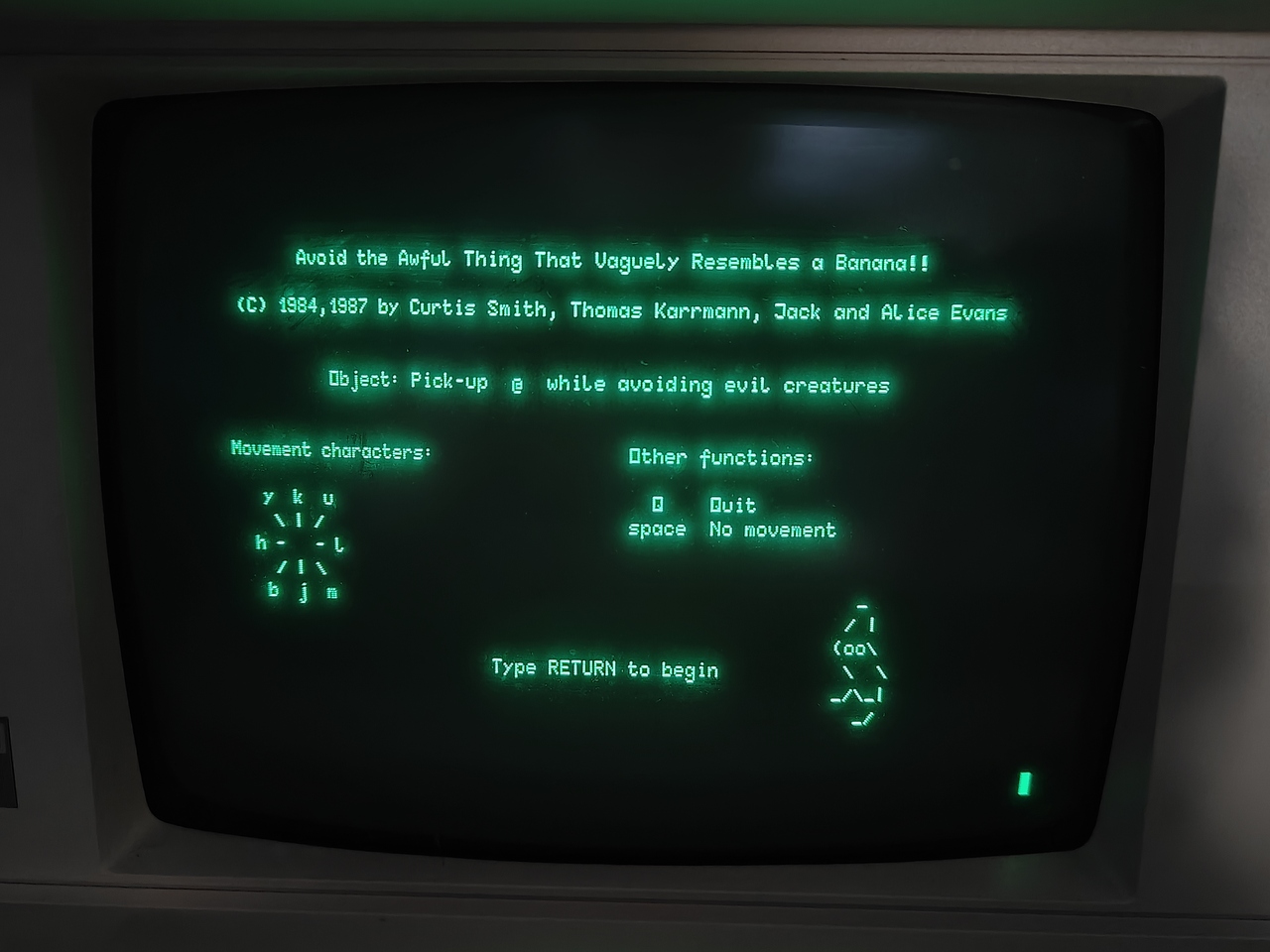
With AVOID.EXE successfully written to the floppy drive, we can now open the game. As shown below, the MS-DOS game Avoid the Awful Thing that Vaguely Resembles a Banana!! runs on the P2000C.