
Transmitting data to the Philips P2000C
In the previous blog post, I showed how data can be sent from the P2000C to a modern computer. In this post, we reverse the process and transmit data from a modern computer to the P2000C.
Revised setup
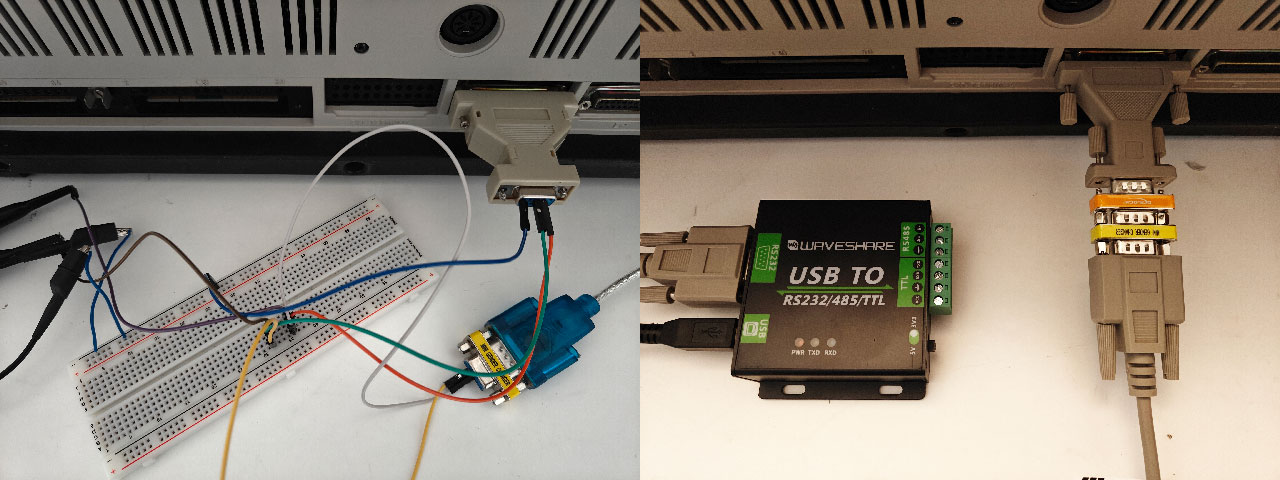
Since the previous blog post, I replaced my improvised setup with a somewhat more professional solution, as shown below.
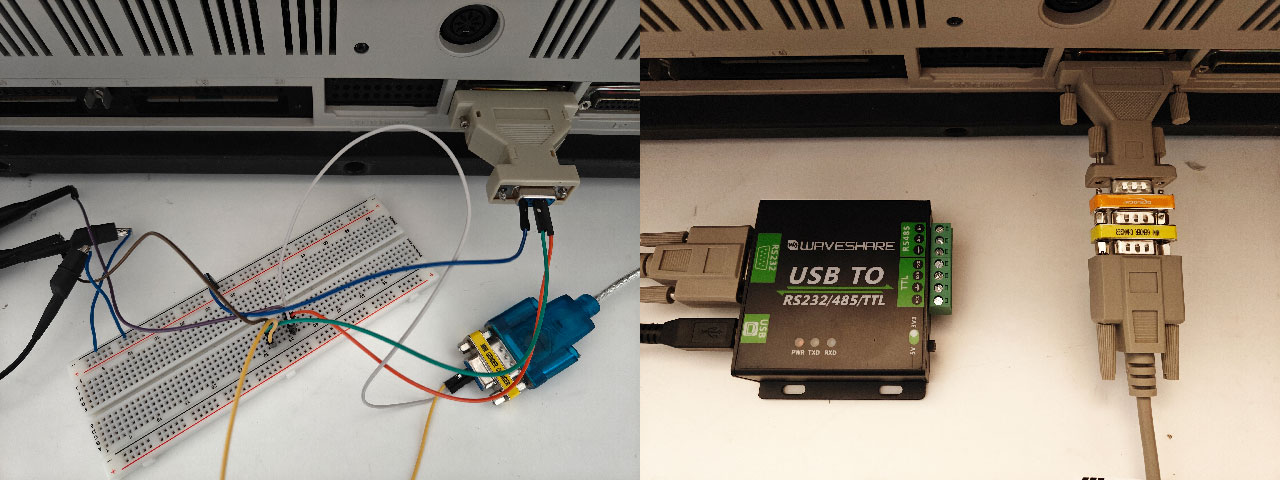
Previously, I used a cheap CH340G-based cable, acquired from a popular Chinese website, and connected it with jumper wires and a breadboard. In the new setup, I use a Waveshare RS232/TTL interface with an FT232RL chip. The breadboard and jumper wires have been replaced with a proper data cable, connected to the P2000C through a null-modem adapter, the orange block in the photo.
Receiving data
Receiving data on the P2000C is done using another interrupt routine, specifically 14,2. This interrupt call attempts to retrieve a byte from the serial port into register AL. If nothing is received after 20 seconds, the most significant bit (MSB) in AH is set to 1. With that in mind, it is fairly straightforward to construct a simple 8088 assembly routine that consumes bytes from the serial port until a timeout occurs. The corresponding 8088 assembly code is shown below.
mov ah,2
int 14h         ; retrieve byte from serial port
and ah,80h      ; check if MSB in AH is set
jnz 111         ; if so, timeout is raised, exit routine
mov dl,al
mov ah,2
int 21h         ; print byte in DL to screen
jmp 100h        ; try to consume another byte
int 20h         ; exit program
On the modern computer, we need to send bytes to the P2000C. For that, I wrote a small Python script using the PySerial library. The script opens a serial port with the correct protocol parameters and transmits the string “Hello World!”. Note that the string must be encoded to ASCII before it is sent.
import serial

def main():
    ser = serial.Serial('COM5', 1200, timeout=10)
    if not ser.isOpen():
        ser.open()
    ser.write('Hello World!'.encode('ascii'))
    ser.close()

if __name__ == '__main__':
    main()
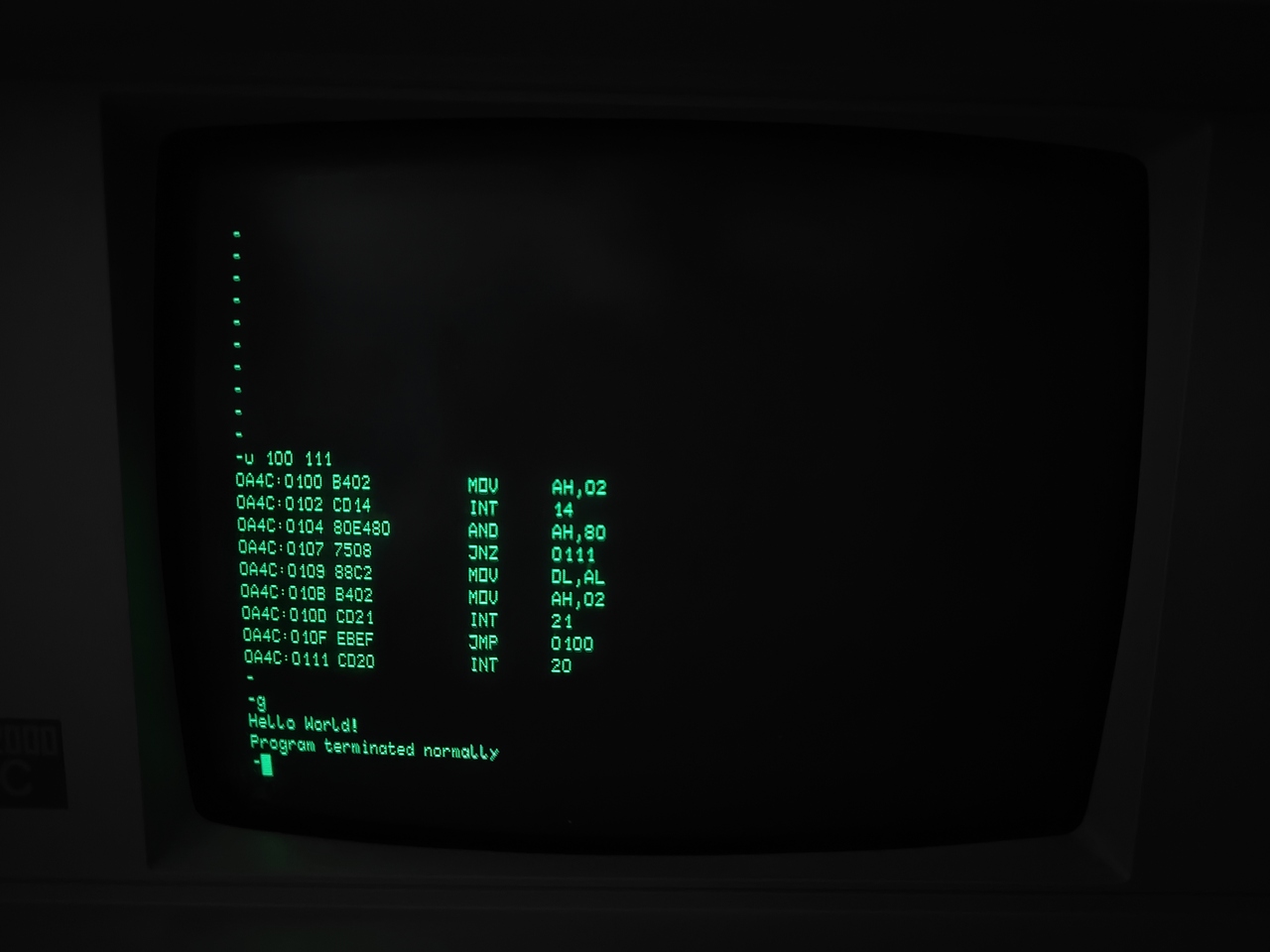
Because there is no handshaking protocol, the order in which the programs are executed matters. Since the P2000C uses a blocking call to retrieve bytes from the serial port, it is best to run the P2000C program first. Once it starts, we have 20 seconds to run the Python script before the timeout is generated, which is more than enough time. As soon as the modern computer transmits bytes, they are displayed on the P2000C screen. The result of the two programs can be seen below.
Note
Note that DEBUG.COM uses hexadecimal notation everywhere, so the listing shown on the screen differs slightly from the one above. In the listing above, I use the suffix h to indicate hexadecimal notation.
Next steps
After successfully implementing both transmission and reception, we are well equipped to develop a transfer program. The primary function of this program will be to transmit a file from a modern computer to the P2000C, where it can be saved automatically to a floppy disk.
Such a transfer program has several advantages. First, it enables us to download MS-DOS programs from the internet and transfer them to the P2000C. Second, it allows us to use a modern computer as the development environment, deploying the resulting programs to the P2000C instead of developing everything directly on the machine.
While DEBUG.COM is useful, writing programs with inline assembly can be cumbersome. More advanced assemblers, with support for labels and macros, greatly simplify the process. Modern computers also let us use compilers, further improving the development workflow.